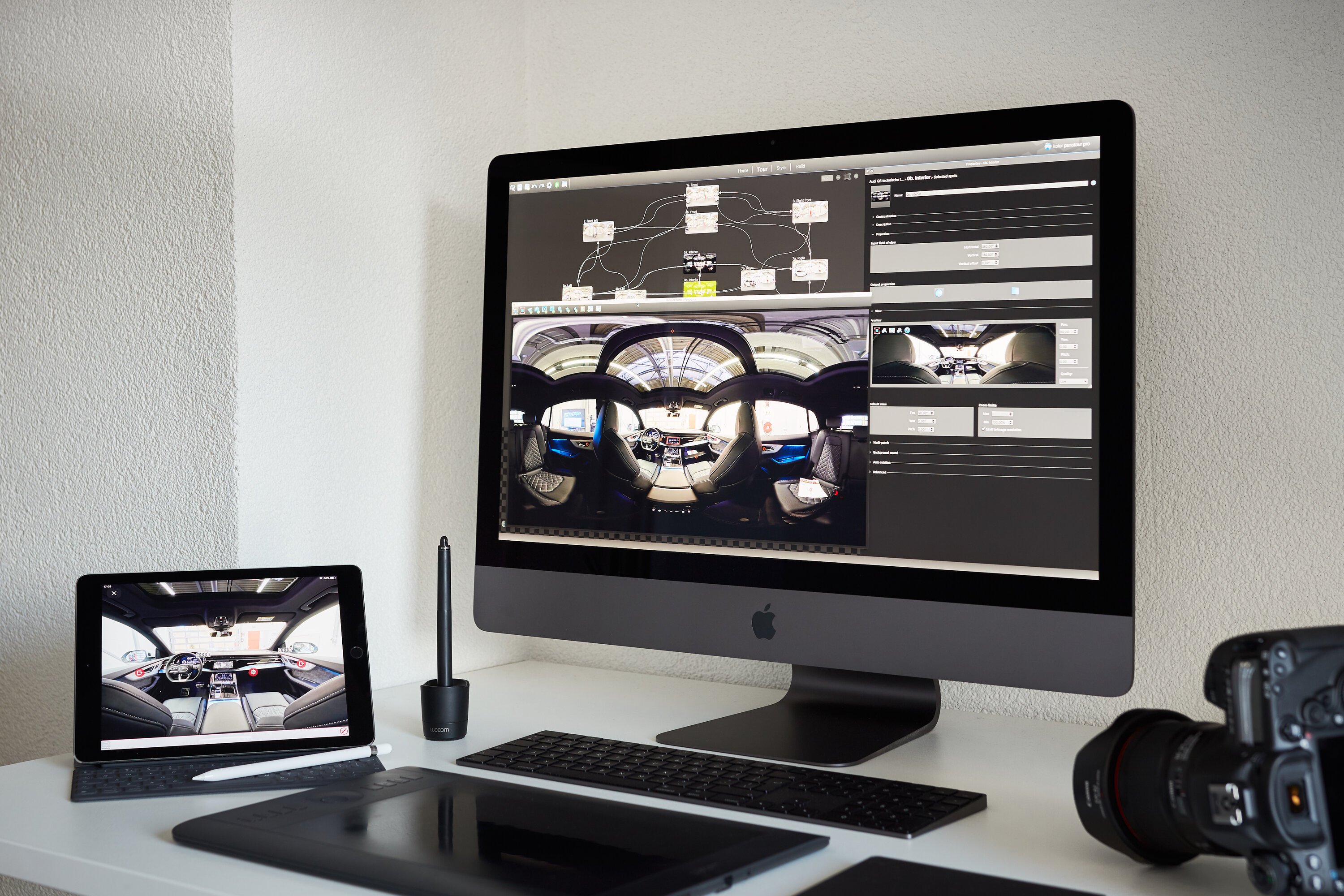
Each year, December and January tend to be quieter months in terms of assignments. An ideal moment to critically review and update my software tools.
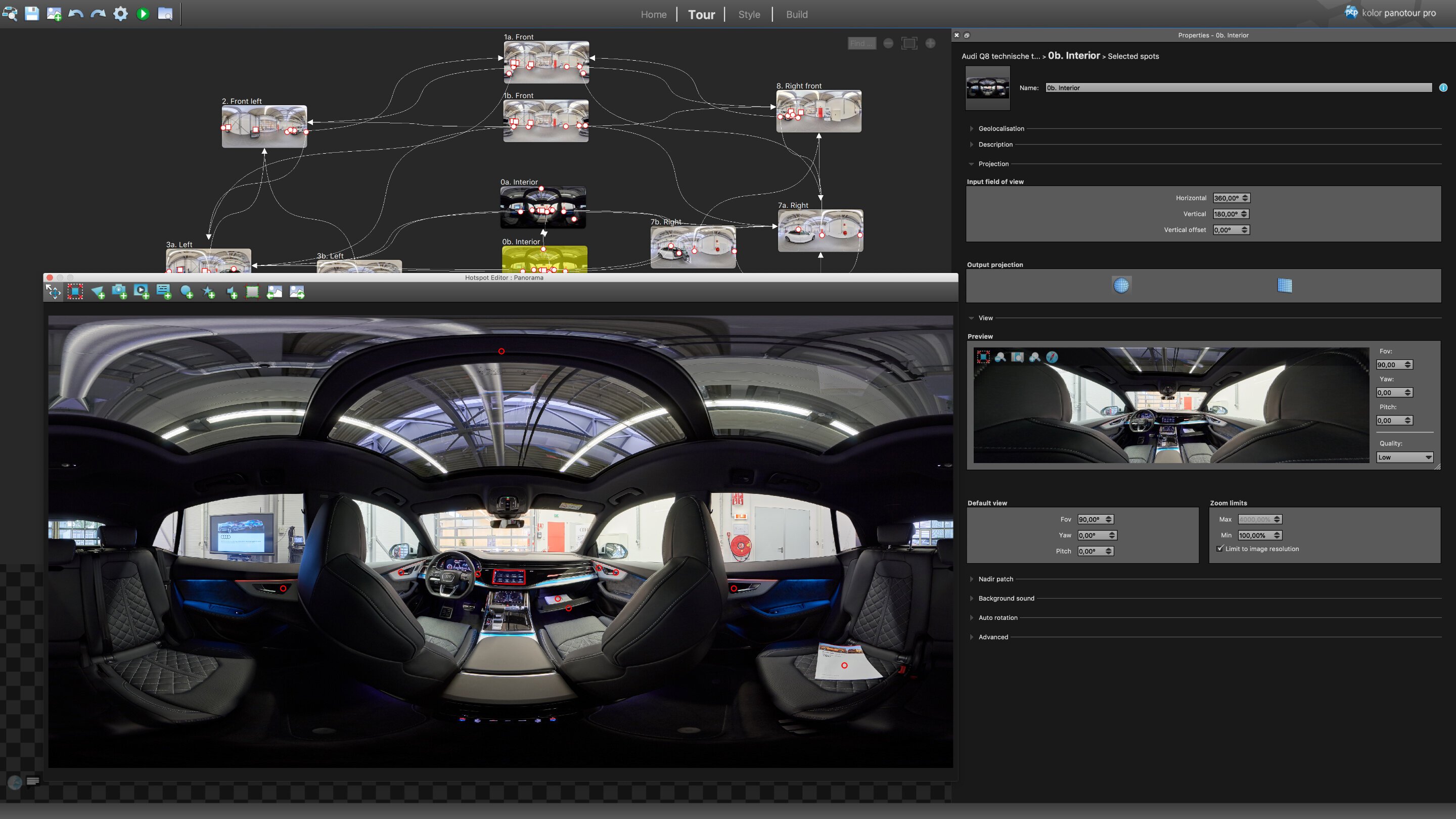
Since 2012, I have worked with Autopano Giga and Panotour Pro from the French company Kolor. In 2015, Kolor was acquired by the American company GoPro (known for its action cameras), which at the time confirmed for me that I had chosen the right software. To my surprise, I read at the end of November that GoPro had announced in September that they would discontinue further development of this software. Due to the birth of my son, this news initially passed me by — but now it is time to act. I am actively experimenting with new software solutions, and I am enthusiastic.
Using the French software, I stitched fisheye images into 360-degree photographs. After rendering, I combined these into a virtual tour, enriching them with animations, images, and additional information layers to match the client’s objectives.
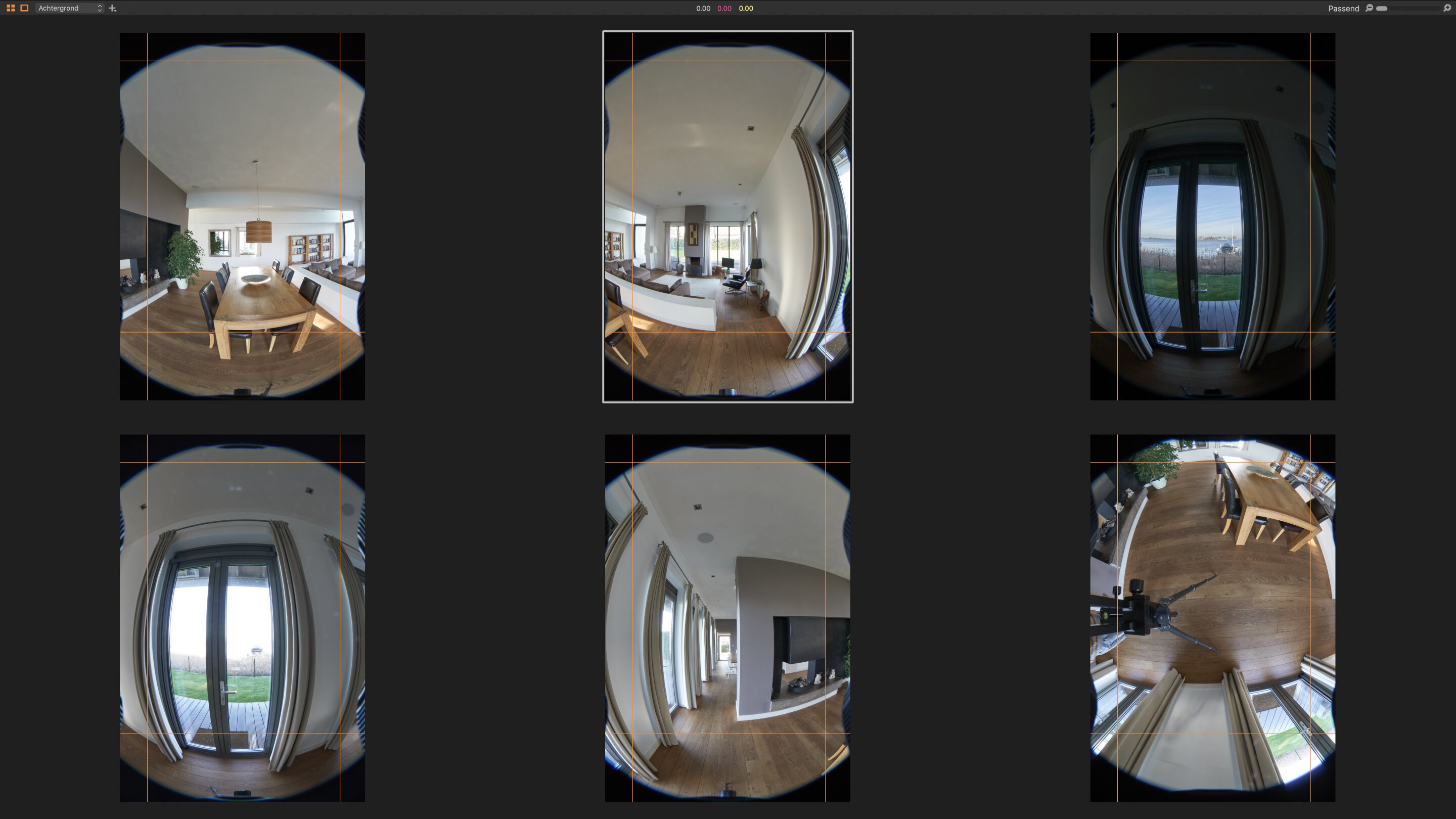
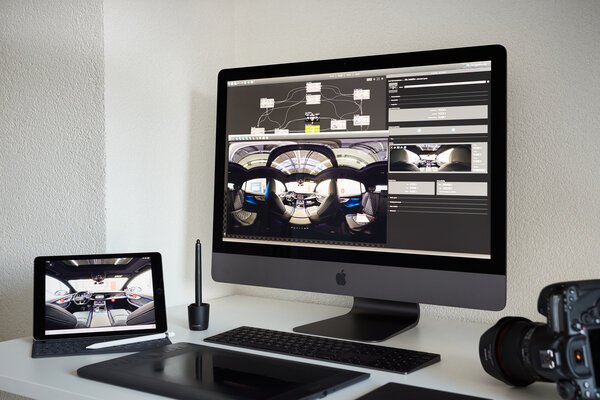
Recently, I tested various alternatives and ultimately purchased PTGui Pro. It is impressive how efficiently PTGui handles processing power. My iMac Pro regularly renders series of dozens of 360-degree images at resolutions of approximately 80 megapixels, generating files of 700–900 MB each. With PTGui Pro, a series of fifteen 360-degree images can be rendered within minutes. Autopano would easily take 45 to 90 minutes for the same task. That is a significant time gain.
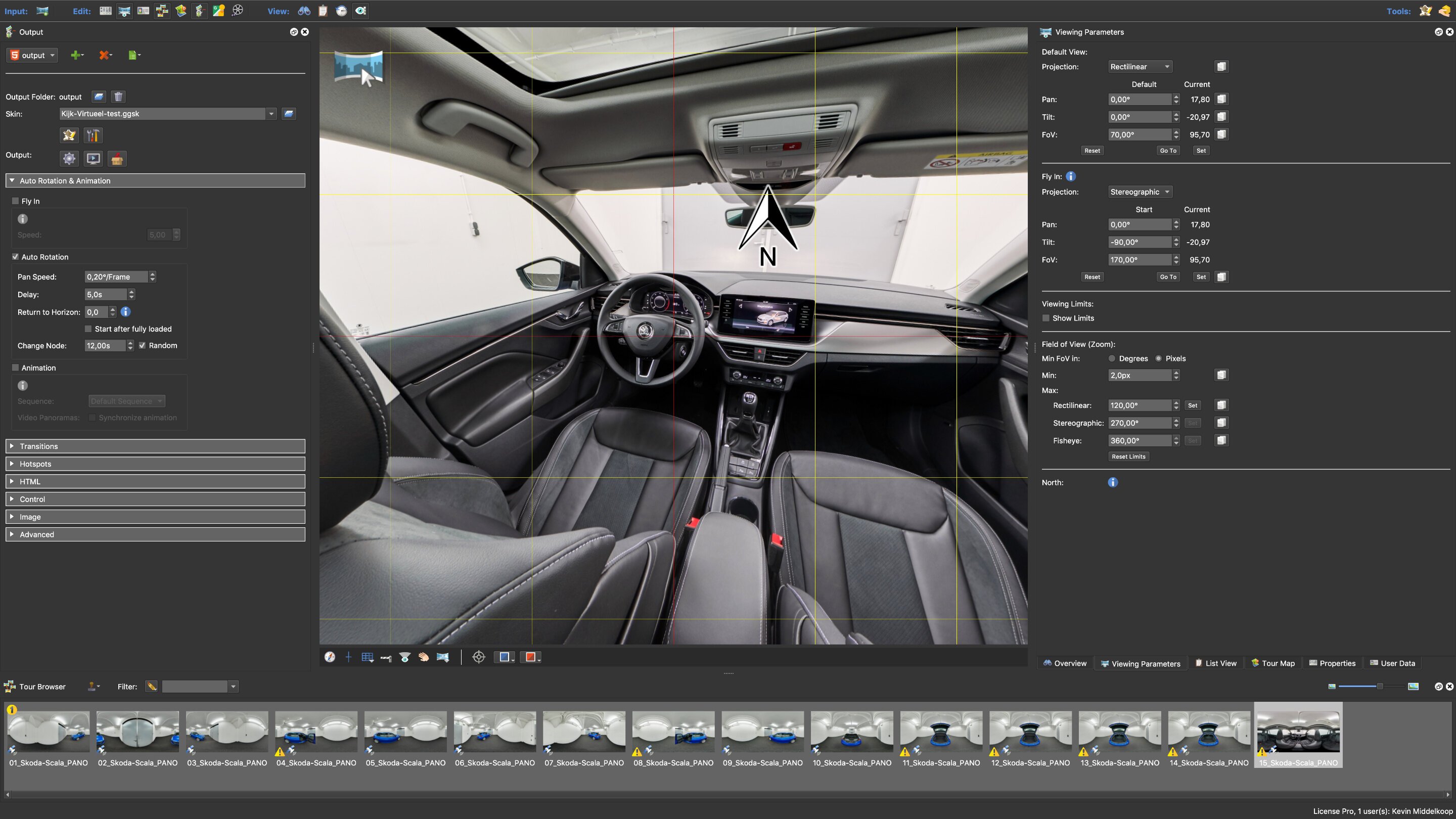
For building virtual tours, I am currently learning to work with Pano2VR Pro from Garden Gnome Software. Like PTGui, this software is optimized for modern, high-performance hardware — and it shows in its speed. Moreover, Pano2VR was developed with a fundamentally different philosophy than Kolor’s tools. As a result, functionalities that previously seemed out of reach are now within grasp. Navigating with virtual reality (VR) headsets is one example, but beneath the surface I see many creative opportunities.
I know my way around Panotour Pro very well. Over the years, I have invested weeks — perhaps even months — working with it. Naturally, it will take some time before I reach the same level of fluency in Pano2VR Pro. However, my first experiences are extremely positive. The same applies to PTGui Pro: the workflow differs slightly, requiring adjustments in my approach. Still, it is rewarding to work with fast, reliable software that offers countless new possibilities.
While working in the new tools, creative ideas almost begin to take over. That promises exciting developments in the months ahead.