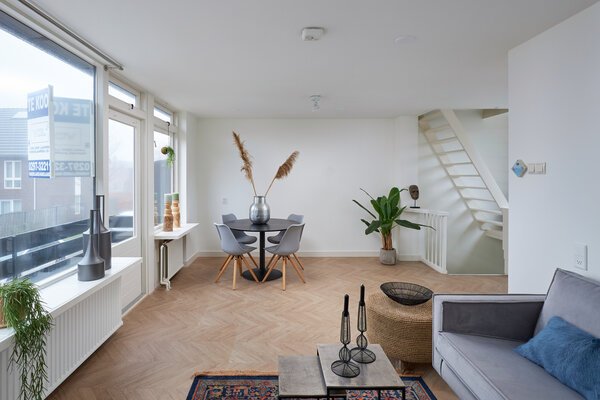
Like many others, I take a lot of photos with my smartphone. Although this is not part of my professional work, I often try to get the absolute most out of the camera in my pocket.
Understood. Below is the corrected version, keeping all words_with_underscores intact and preserving the URLs exactly in parentheses () — not in bracket format.
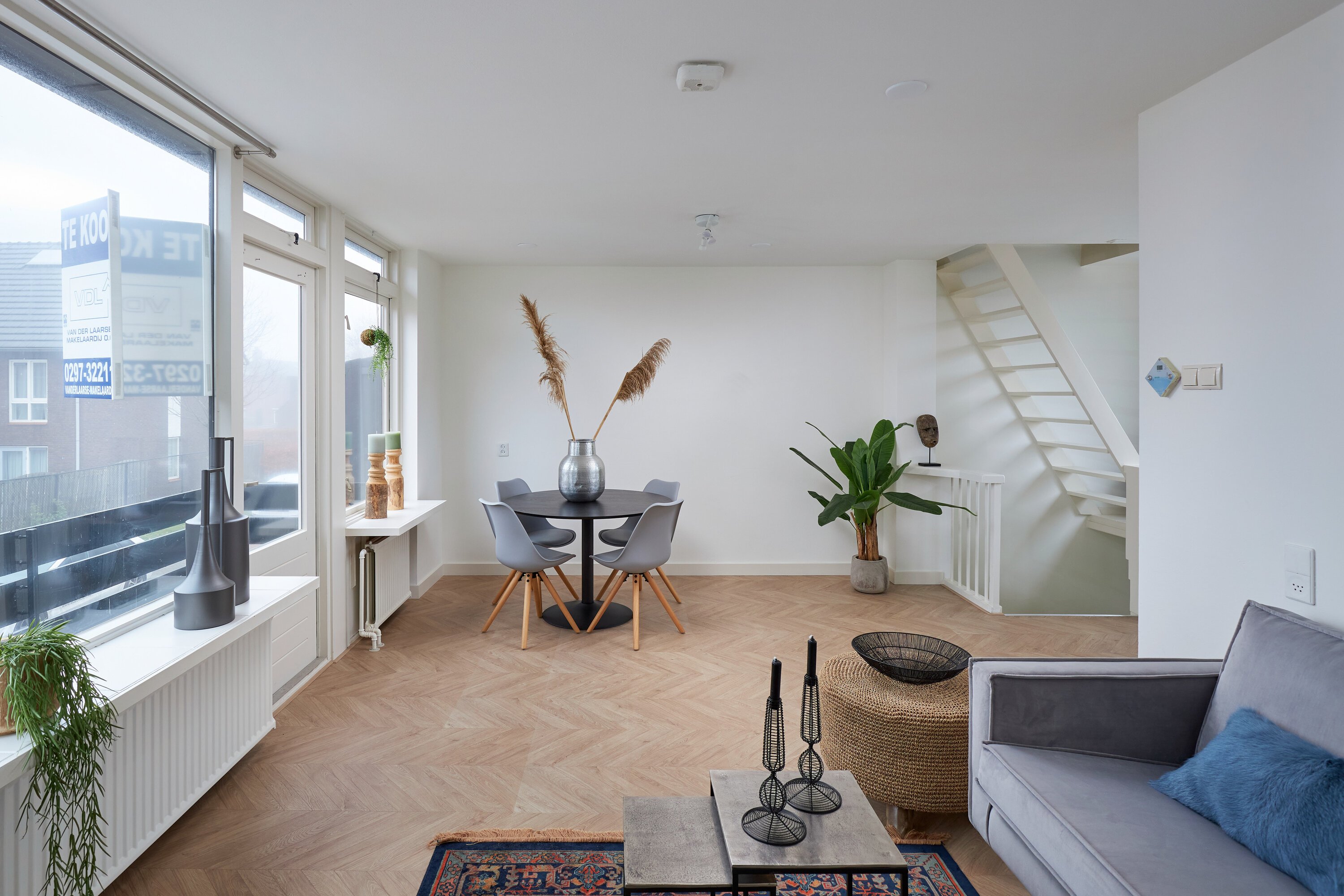
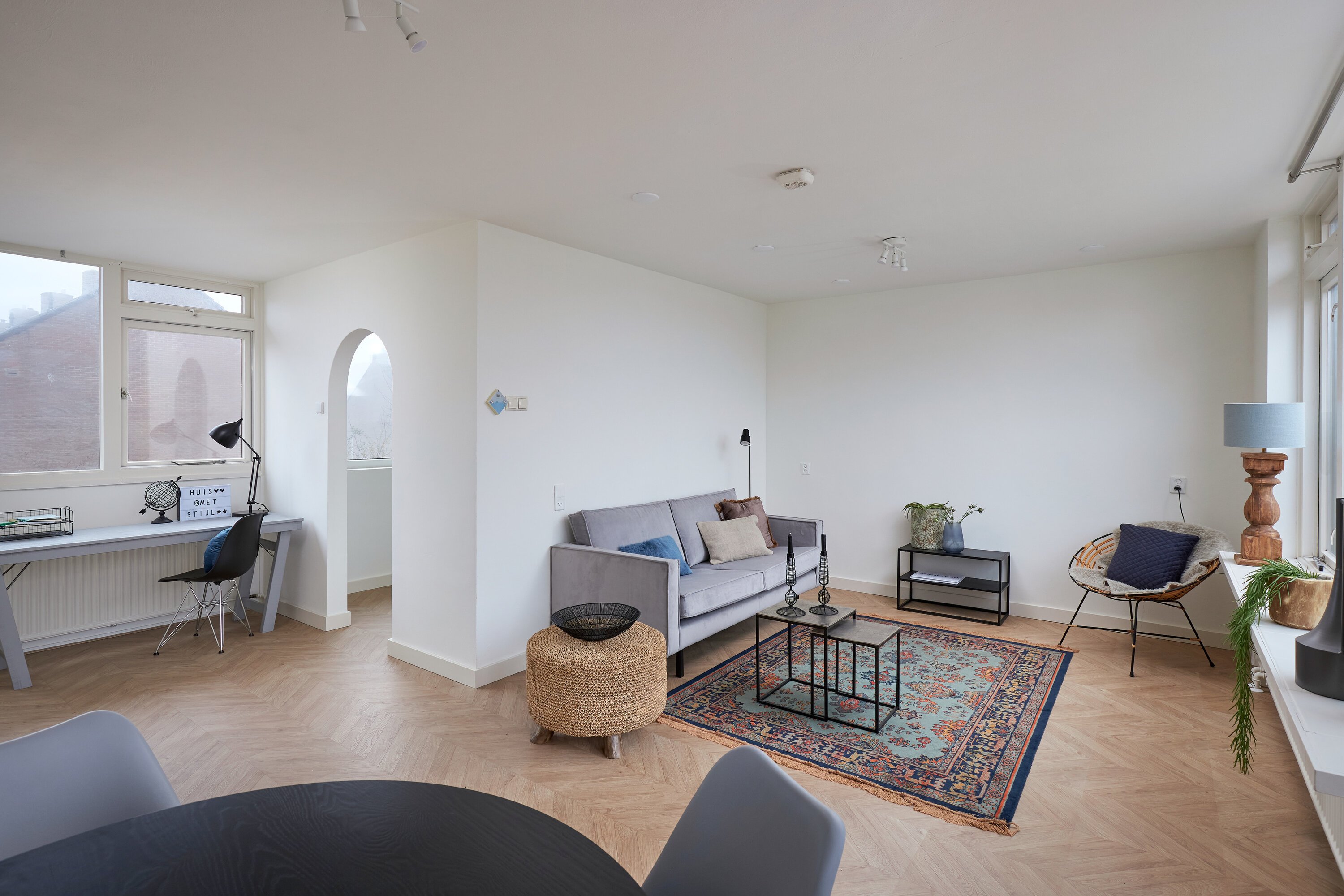
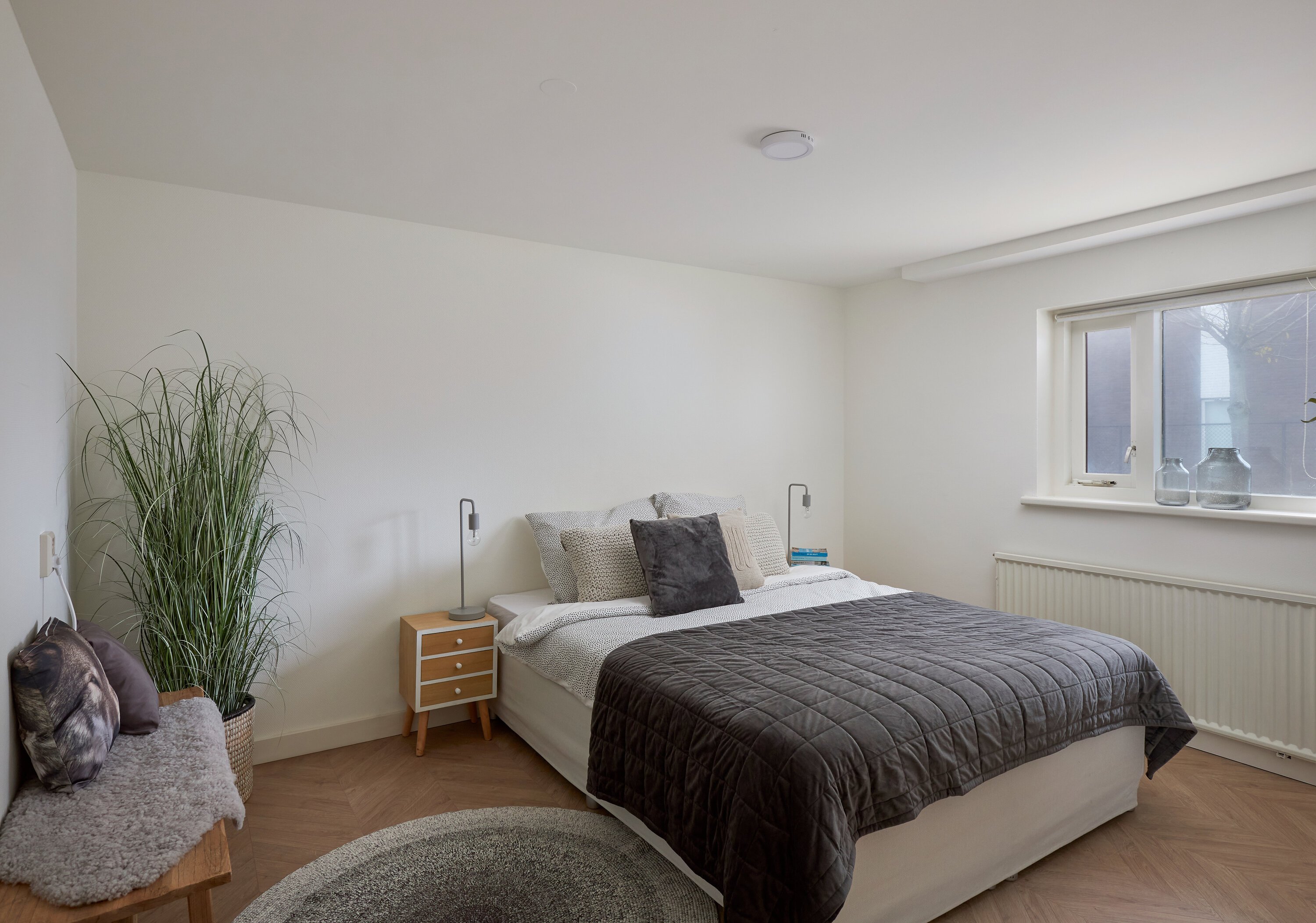
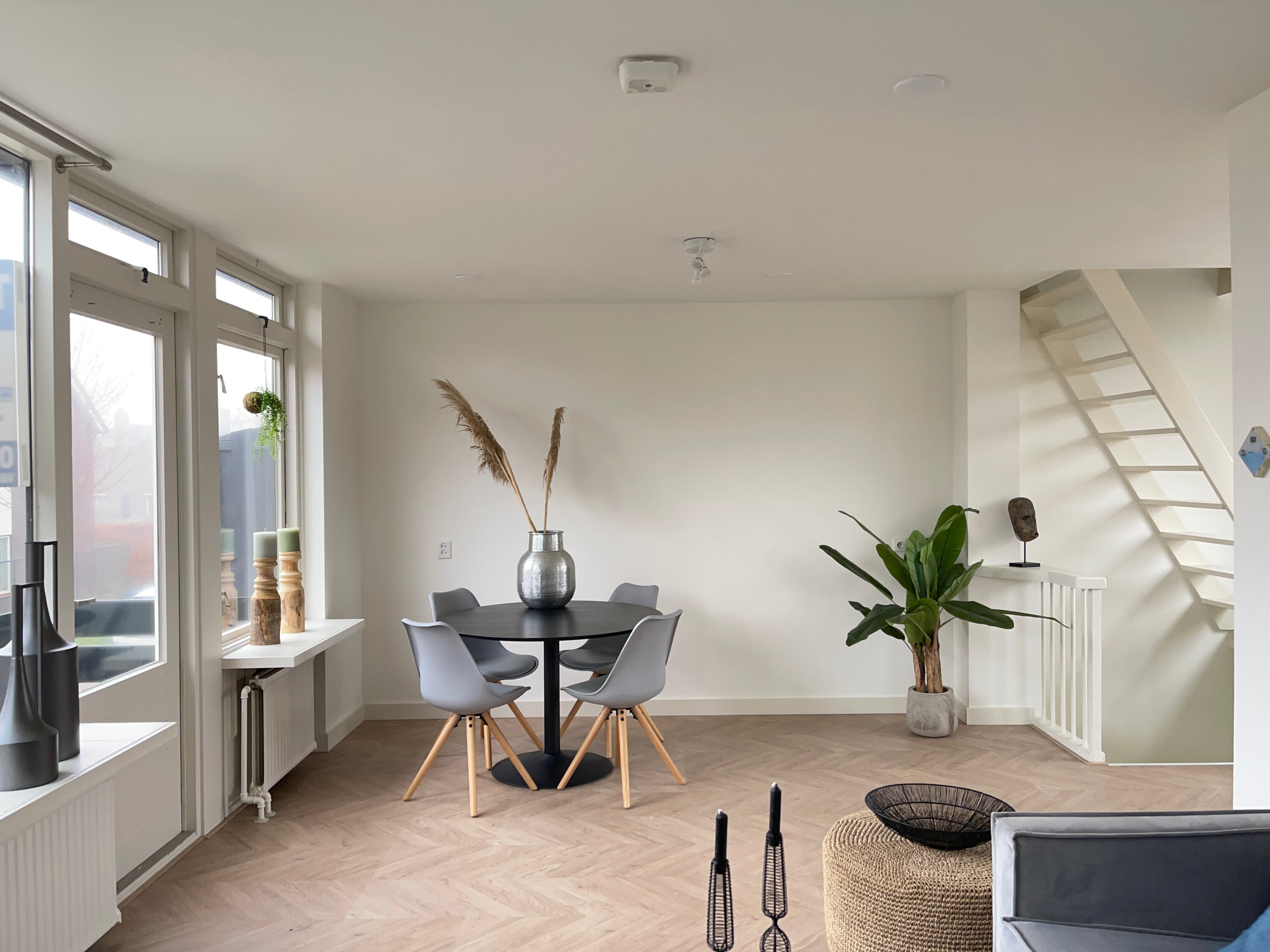
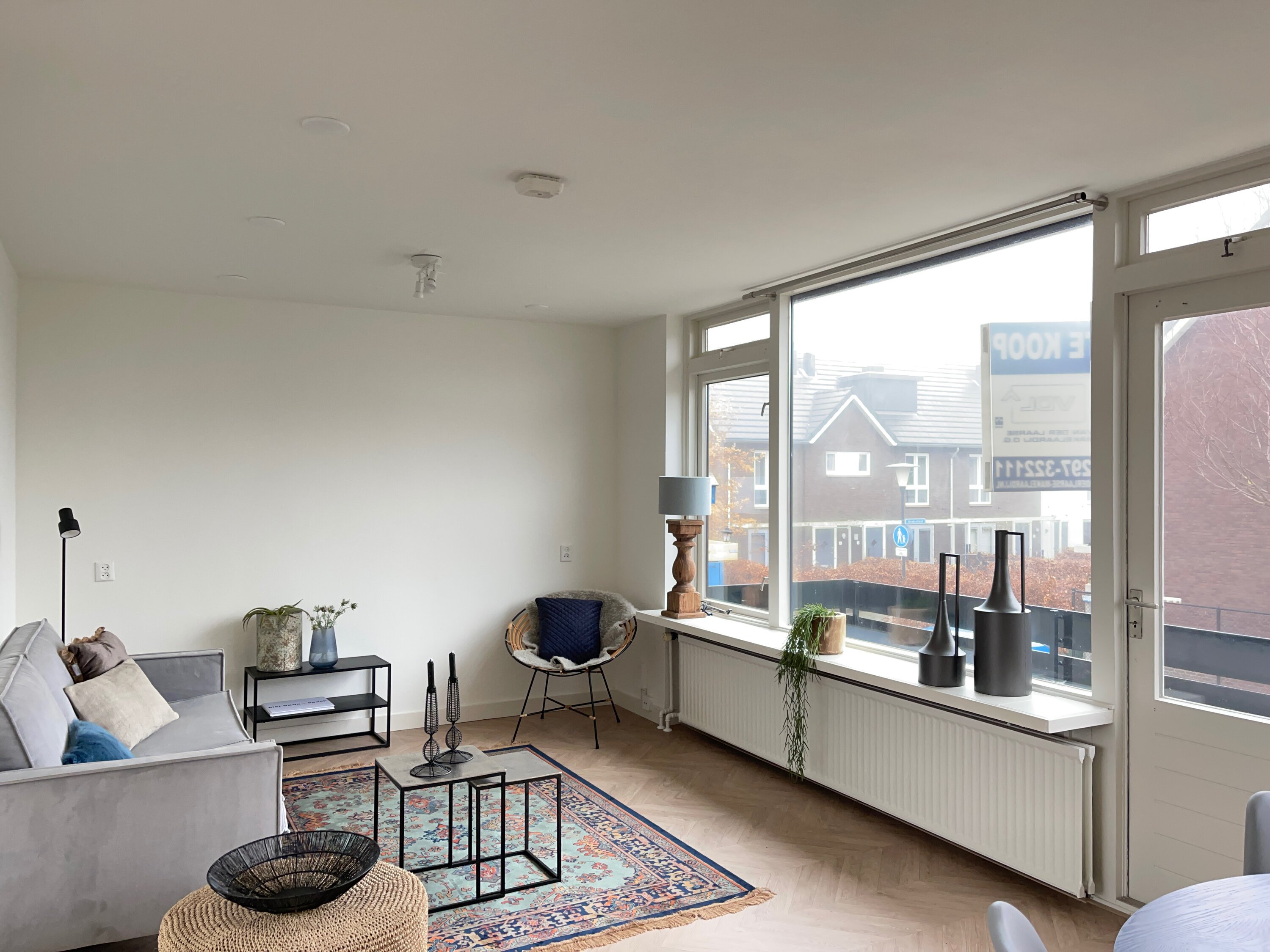
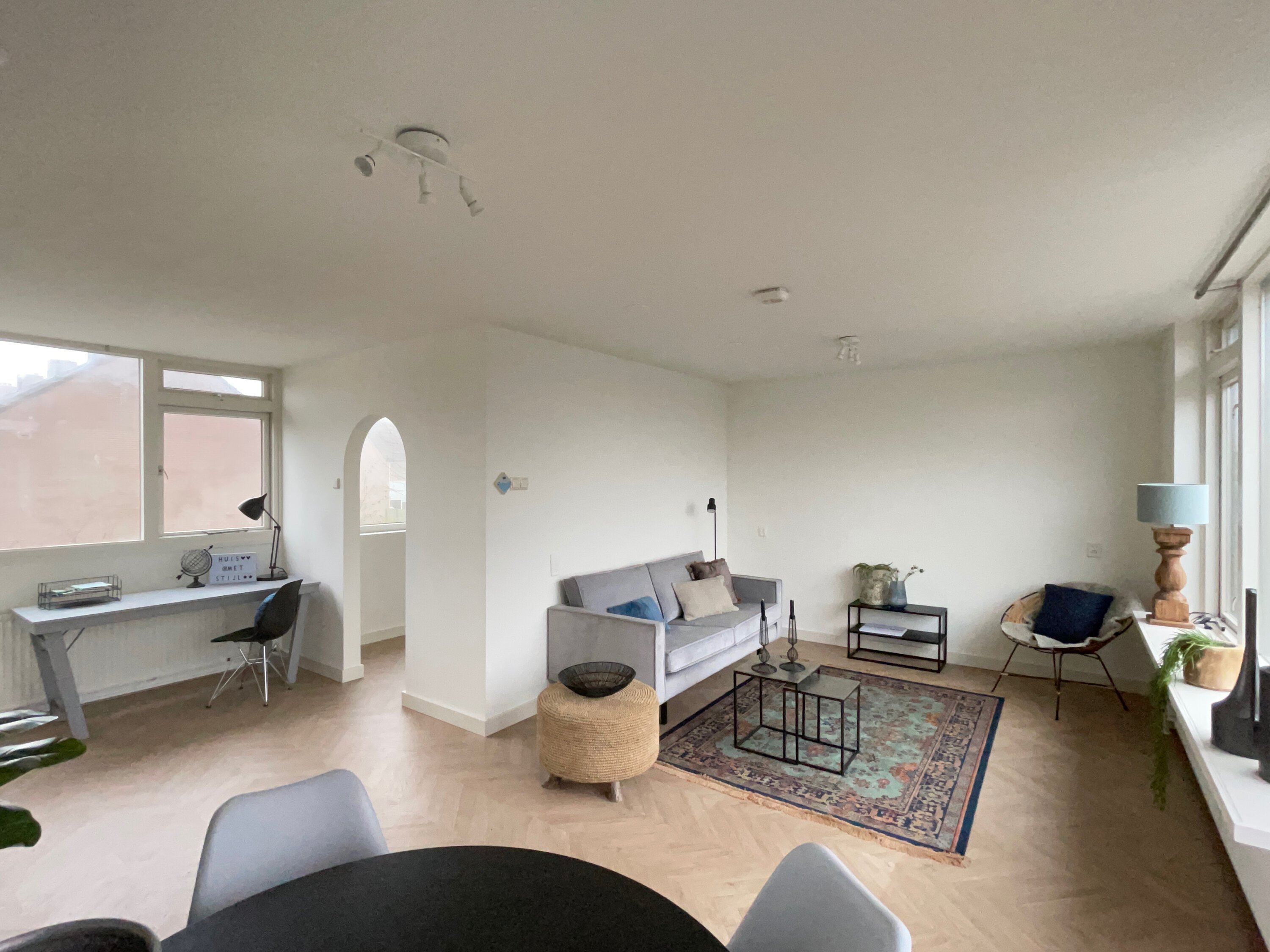
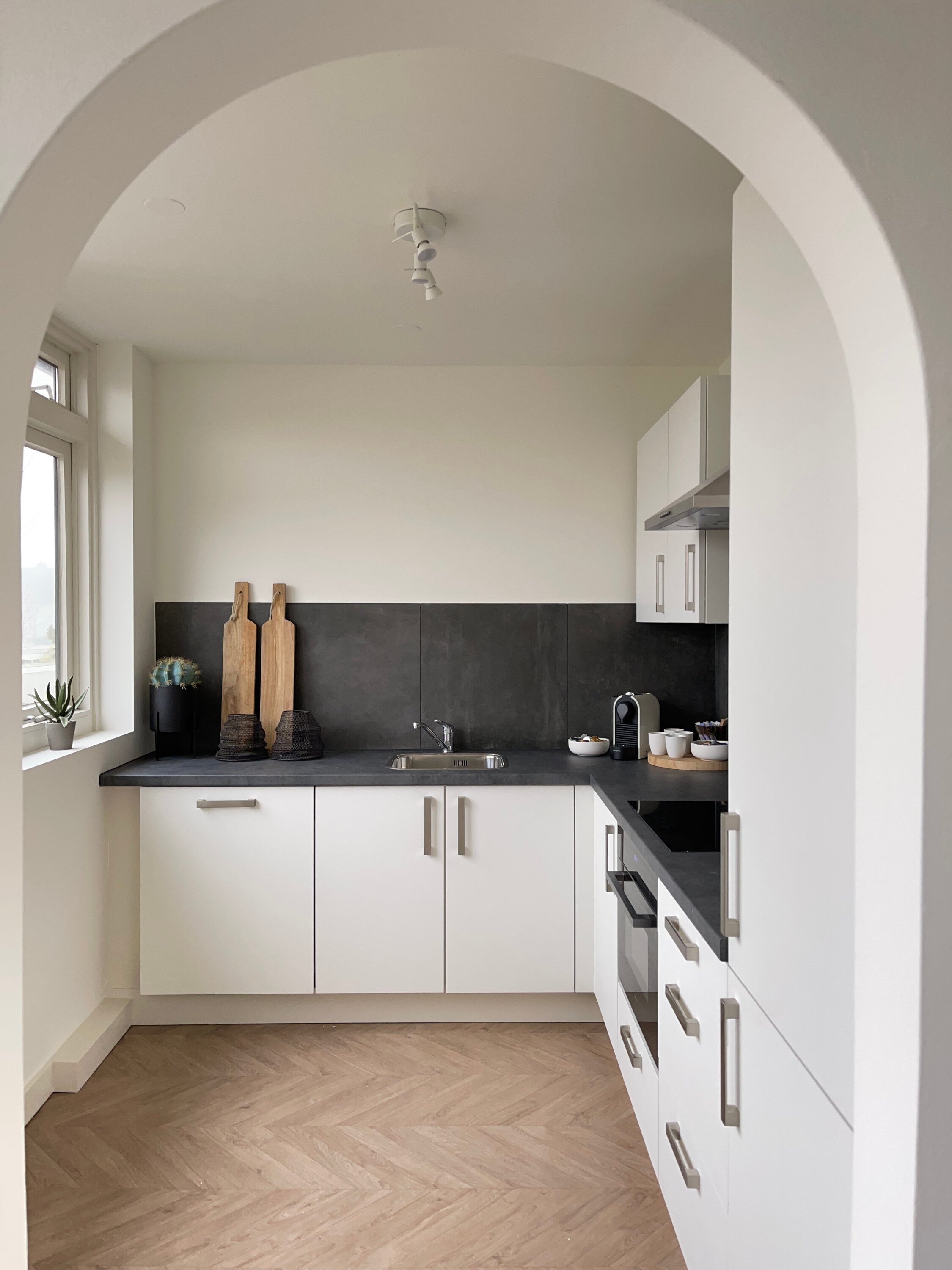
Last month, I photographed this property in Aalsmeer for Leliveld_Vastgoed (http://leliveldvastgoed.nl/). The house was unoccupied but furnished and styled by Huis_met_stijl (http://huismetstijl.nl). Since there were no residents to disturb, I decided — after completing my work with my system camera and flashes — to photograph the property once again. This time using my new iPhone.
It’s interesting to map out the differences in time investment and image quality. I previously did this as well (https://kevinmiddelkoop.nl/2020-06-24_ingredienten-voor-smaakmakende-fotografie/).
Professional Photography and Shooting with a Smartphone
I had been wanting to try this for quite some time. For that reason, I purchased a clamp (https://www.manfrotto.com/nl-en/universal-smartphone-clamp-with-thread-connections-mclamp/) for my phone. With it, I can securely mount my phone onto my professional tripod head (https://www.cambo.com/en/news/pch-precision-geared-head/) and position the camera with great precision to achieve the exact composition I have in mind.
First Impressions and Results
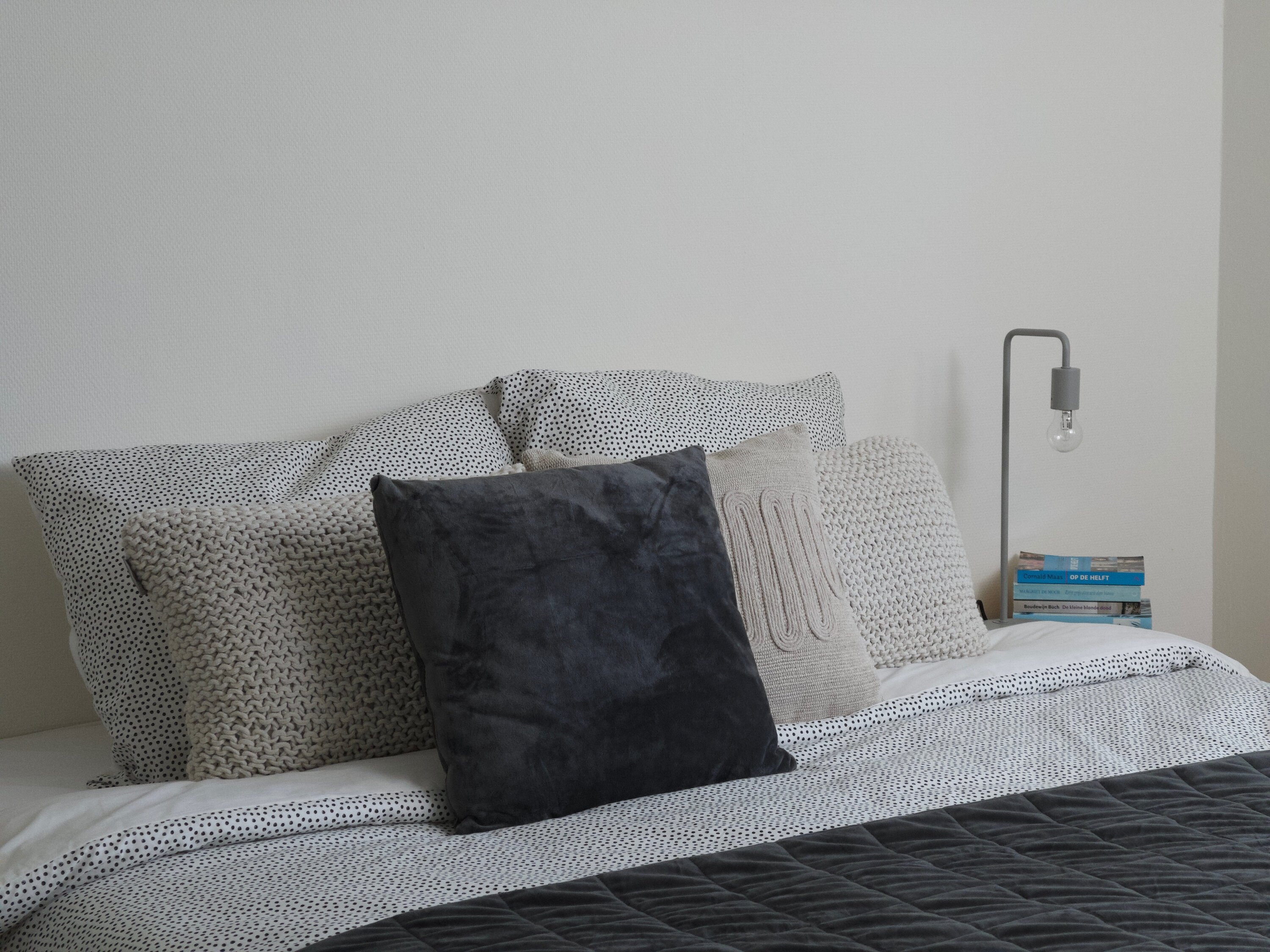
My first impressions of the images were impressive. I photographed comparable viewpoints so that the differences would be clearly visible. Naturally, resolution, sharpness, noise, and grain are the first things you notice when zooming in on smartphone images. But when you consider that photos are nowadays more often viewed on smaller rather than larger screens, the results are very impressive.
Professional Setup
The images taken with my system camera were composed from multiple exposures using flash and daylight. In this way, capturing a single image takes approximately 3–5 minutes, followed by another ±5–8 minutes of post-production.
iPhone Photography
The photos taken with my iPhone were captured within seconds. On the smartphone, I made minor adjustments to the shadows and highlights. Thanks to the use of the tripod, I only needed minimal cropping.
Capturing and editing these images took me approximately ±15 seconds per photo. That’s something to keep in mind when comparing the iPhone images below with those from my professional setup.
Developments and Tips for Smartphone Photography?
We all know that technology is evolving rapidly. It’s fascinating to see what the camera in your pocket is capable of.
Are you interested in photographing interiors using your own smartphone? Send me a message. It’s enjoyable and highly educational to photograph a property from your own portfolio. This can be done together, or with employees or colleagues.